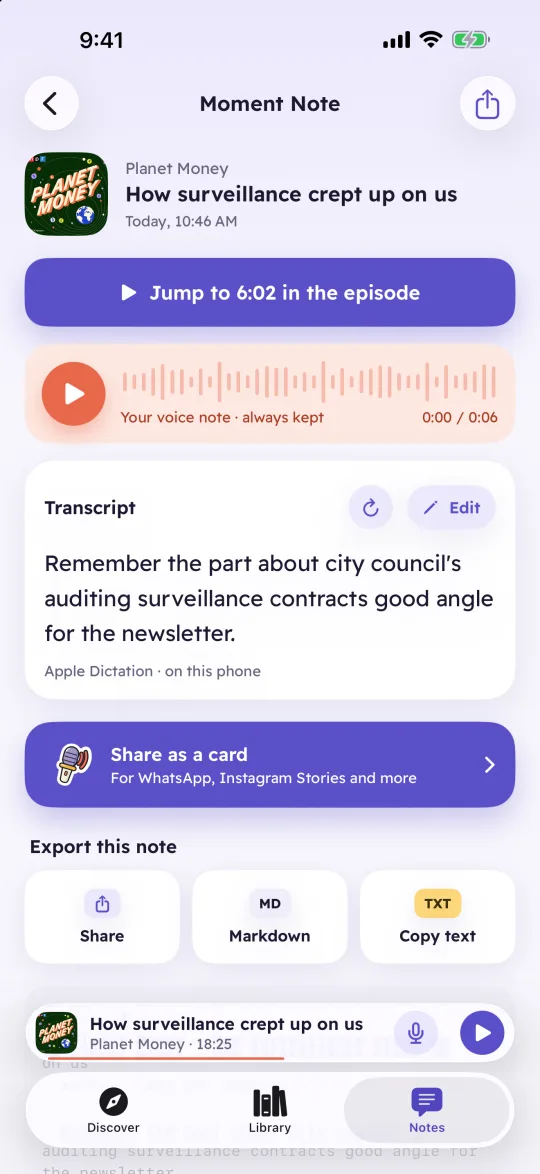
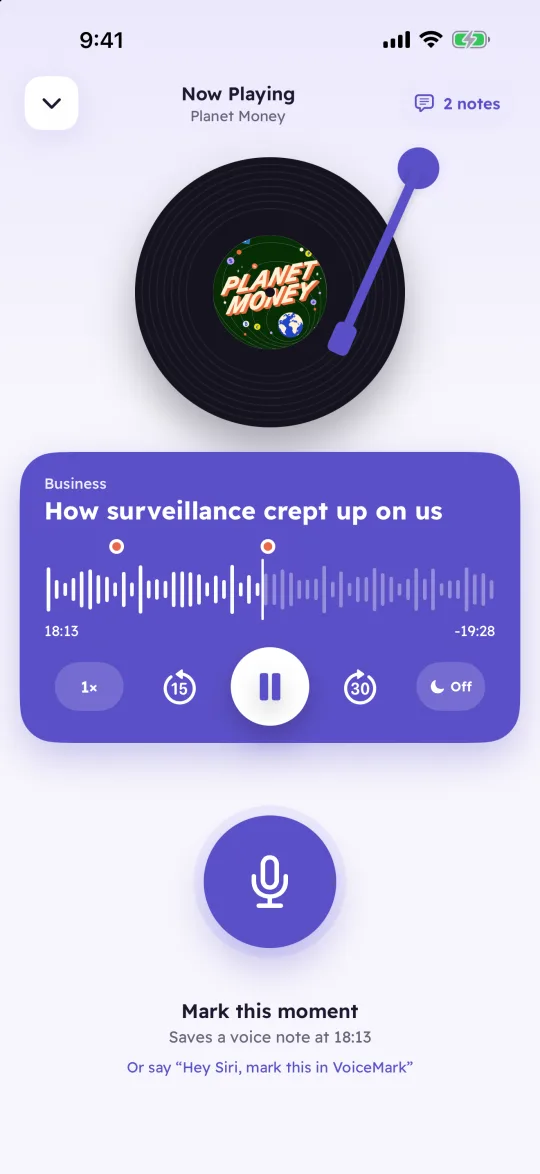
Good ideas tend to show up halfway through an episode, usually while you're driving and can't write anything down. VoiceMark puts a mic button next to play. Tap it, say what you're thinking, and the note is saved at that second of the episode.
Every note keeps the show, the episode, the second you were at, your voice and a transcript. Tap it later and the episode plays from that moment.
Tap the mic and talk. Recording stops when you tap again, or on its own after a few seconds of silence, so your eyes can stay on the road. A short chime tells you when it starts and when it stops.
Each note is transcribed on your iPhone by Apple's on-device speech model, in Arabic or English. The audio never goes to a server. The original recording is kept, so you can always hear what you actually said, and you can fix the text or type your own.
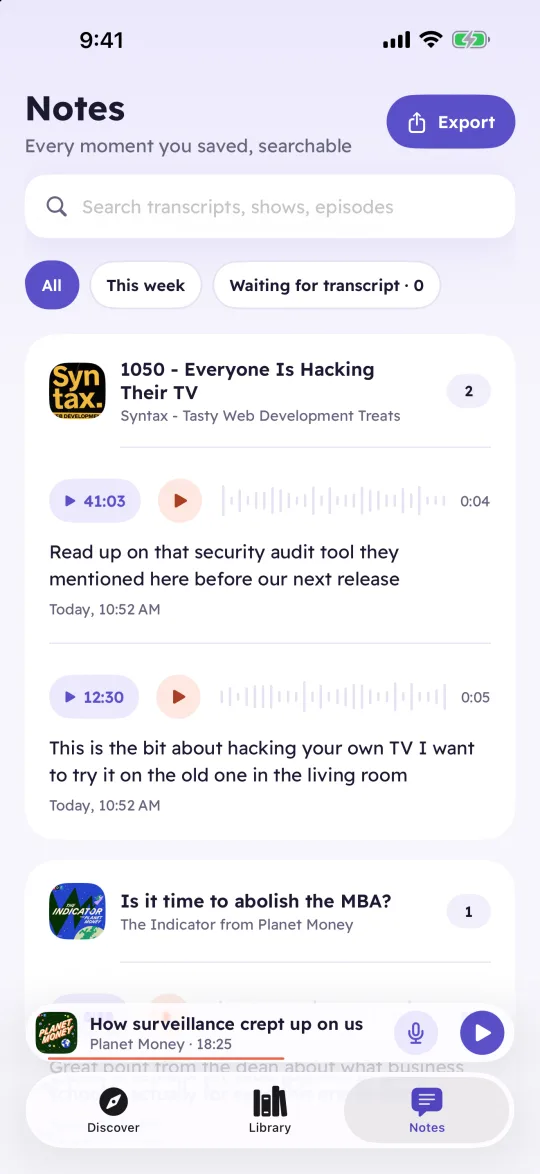
The Notes tab collects every note from every show, grouped by episode. Search the transcripts, show names and episode titles, then tap a note to hear the episode from the moment you saved it.
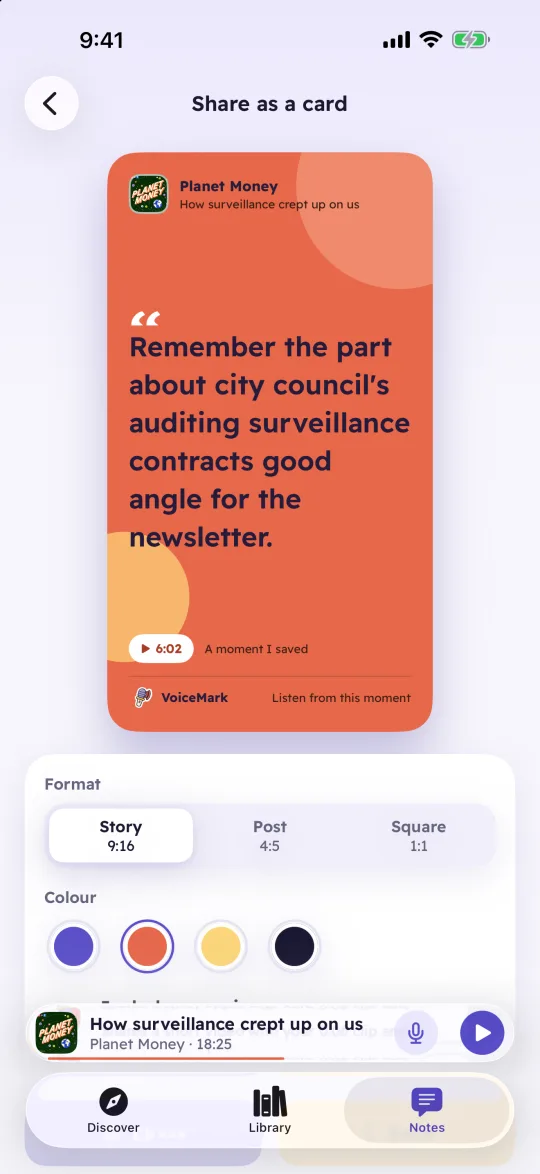
Make a card for a story, a post or a square, with your words and the show they came from. Turn on Include my voice and the card becomes a short video with your recording.
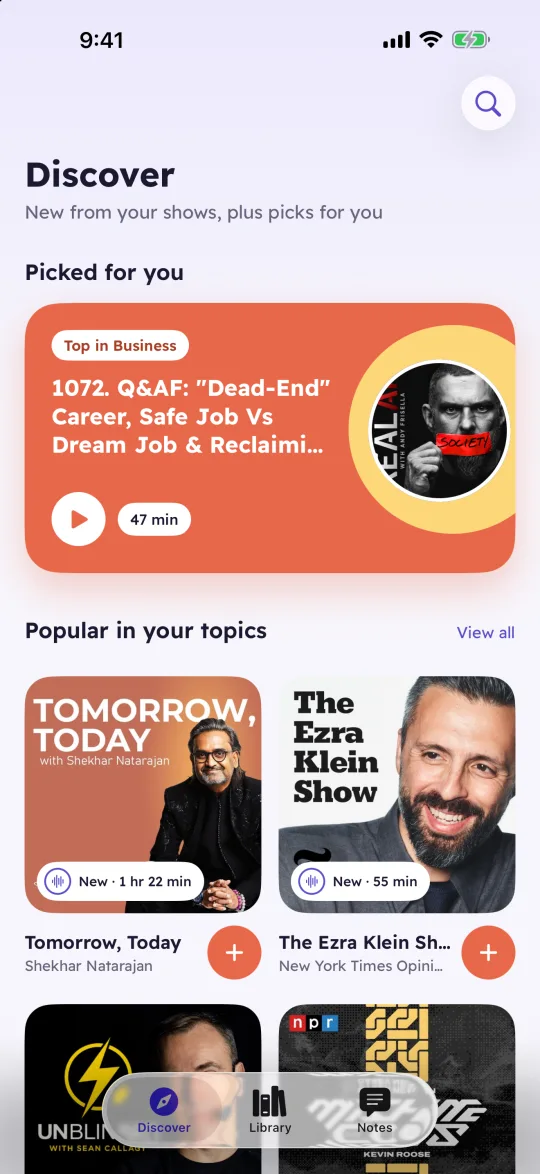
Pick a few topics the first time you open it and VoiceMark suggests shows from Apple's podcast charts. The suggestions follow what you listen to, and they're worked out on your phone.
Markdown or plain text for one note or a whole episode, CSV or JSON for all of them. Every note carries a link back to its moment.
Download episodes for drives without signal. Episodes you've finished can delete themselves a day later.
Speed from 0.8x to 2x, 15 seconds back and 30 forward, a sleep timer and lock screen controls.
A notification when a show you follow posts a new episode. The check runs on your phone.
The whole app in both languages, right to left in Arabic.
Search Apple's podcast directory, or paste an RSS link for a show that isn't listed there.
VoiceMark has no account and no server. Your notes, recordings, transcripts and listening history are stored on your phone and nowhere else.
No. Notes are recorded and transcribed on your phone and stay there, unless you share or export one yourself.
Arabic and English. You choose the note language in Settings. A note that mixes the two is transcribed in the language you picked, so expect a few slips in the other one.
The first time, iOS fetches Apple's speech model for your note language, which takes about a minute. VoiceMark starts that on its own, and your notes wait until it's ready.
From each show's public RSS feed, the same place every podcast app gets them. Search uses Apple's podcast directory. Shows that are exclusive to one platform, like Spotify exclusives, aren't available.
Soon. The iPhone version is on its way to the App Store, and an Android version is being built. The store links will be on this page once they open.
Coming soon to iPhone, with Android after it.